
One CLI to Rule Your AI Agents
ASM centralizes skills across Claude, Cursor, Windsurf, and 10+ agents — no more scattered directories.

AI coding agents are multiplying faster than the directories that configure them. Claude Code wants skills in one place. Cursor wants them somewhere else. Windsurf, Codex, Cline — every agent has its own conventions, and your ~/.config turns into a graveyard of half-synced YAML. This week: three OSS tools that try to make agent tooling tractable for engineers who'd rather ship than babysit dotfiles.
asm (agent-skill-manager)
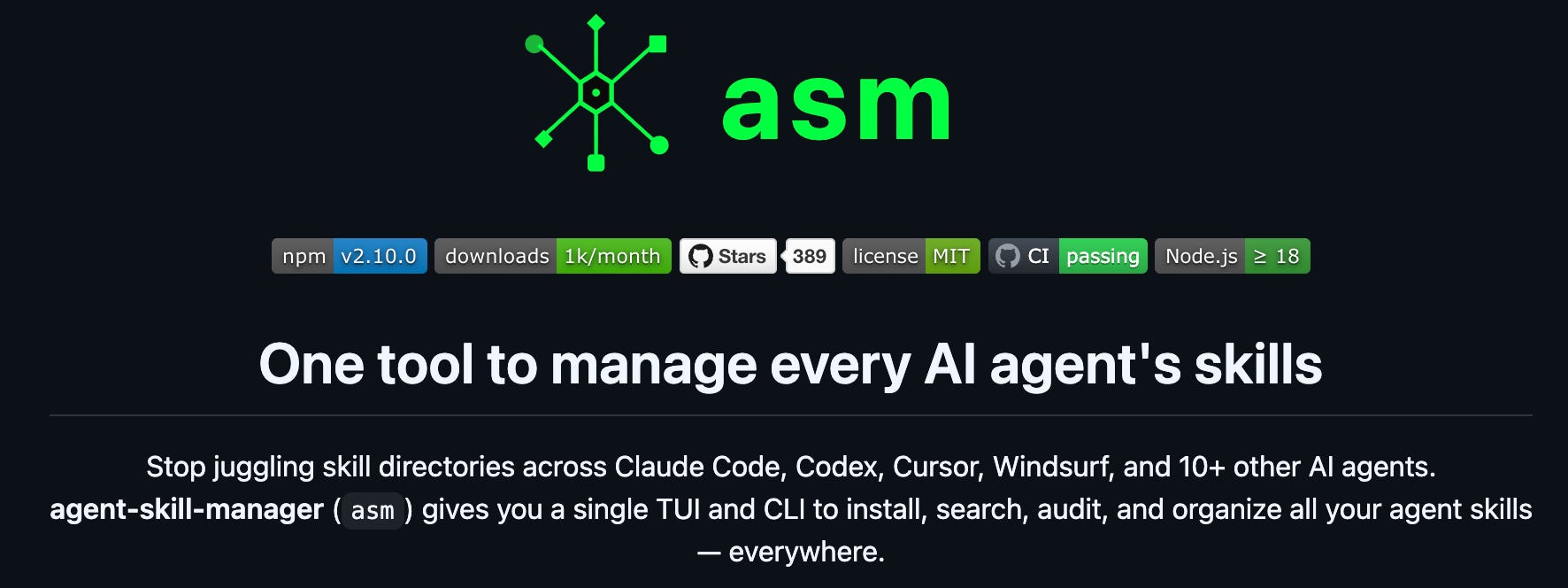
Summary. asm is a CLI and TUI for managing skills across every AI coding agent you run.
One tool to install, search, audit, and organize skills for Claude Code, Codex, Cursor, Windsurf, and 10+ other agents
Ships a catalog the project advertises as 2,800+ skills, browsable in a web UI
TUI for interactive work, CLI for scripts and CI
Replaces the per-tool skill directories that each agent ships with its own format
The pitch on the README is blunt: stop juggling skill directories. If you've ever copied a prompt template from Cursor into Claude and edited the frontmatter by hand, you know the tax.
Use case. Centralized agent configuration with an auditable inventory.
Imagine you run a 40-engineer org where half the team uses Cursor and half uses Claude Code. Skills drift. Reviews drift. Costs drift, because nobody knows which prompt is firing which model.
With asm you could pin a curated skill set per team, audit which skills are installed where, and treat the agent layer like any other managed dependency.
For FinOps specifically: every skill is a potential token-spend pattern. A centralized manifest is the first step toward attributing agent spend to teams and projects, instead of letting it dissolve into "AI tools" on the invoice.
The 2,800-skill catalog is a double-edged sword — discoverability is great, but governance is now your problem. A
skills allowlistis something you'll want before week two.
cmux
Summary. cmux is a Ghostty-based macOS terminal built for AI coding agents and remote development.
Vertical tabs, notification rings, integrated browser support
Built on Ghostty, so you get the rendering performance of a modern terminal with workflow features layered on top
Notification system: panes get a blue ring and tabs light up when an agent finishes a task in the background
README is translated into 20+ languages, which says something about who's actually using it
Top contributors include lawrencecchen, austinywang, and azooz2003-bit
The thesis is simple: agents run long, and you're not going to sit and watch the terminal. You need the terminal to tell you when something's done — or broken.
Use case. A terminal optimized for supervising long-running agent sessions in parallel.
Imagine you've got Claude Code refactoring one service, an agent running migrations on a staging cluster, and a third tab tailing logs from a remote box. Without notifications you context-switch every 30 seconds. With cmux you could let panes run, get pinged when they need you, and stop the productivity bleed of compulsive tab-checking.
FinOps angle: agent runtime is agent spend. Every minute a Claude session sits idle waiting for human approval is tokens you've already paid for and a context window you'll pay to rebuild. A notification-aware terminal is, weirdly, a cost-efficiency tool.
Limits: macOS only, Ghostty-based. If your fleet is mostly Linux workstations, this isn't your tool.
codegraph
Summary. codegraph was shared in the channel as a code-structure tool relevant to the agent-tooling thread.
No further detail was captured in the session material beyond the link
Treat the link as a lead, not a recommendation — verify the README before adding it to your workflow
Use case. No direct FinOps mapping; this is general-purpose code-intelligence tooling worth a look if you're building agent context-injection pipelines.
Imagine an agent that consistently burns tokens loading the wrong files because it doesn't understand the call graph. With a code-graph layer in the prompt context, you could route the agent to the 200 relevant lines instead of dumping 20,000.
The token economics here are real: context windows are the most expensive thing about modern coding agents, and selective context is the cheapest optimization you'll make this quarter.
The pattern worth noticing
Three tools, three layers of the same stack:
asm manages what the agent knows (skills, prompts, configuration)
cmux manages how you supervise the agent (terminal, notifications, parallelism)
codegraph manages what the agent sees (code structure, context)
If you're treating AI coding agents as a serious line item — and you should be, because the bill is already arriving — these are the three surfaces where you control spend. Skills determine which models fire and how often. Supervision determines how much idle time you pay for. Context determines token consumption per task.
None of this shows up in your cloud-cost dashboard. It shows up on your Anthropic, OpenAI, and Cursor invoices, usually under one undifferentiated line. The org that wins on agent FinOps over the next year is the org that has a manifest of skills, a measurable supervision workflow, and a context strategy — not the org with the most clever prompts.
Your move this week
Pick one. If you have more than three engineers using more than two agents, install asm and start with a single shared skill list. If you've ever lost an hour because you didn't notice an agent finished, try cmux on one machine before rolling it wider.
cmux is built by a small team — if it shaves real hours off your week, the GitHub Sponsors page is where you say thank-you in the currency maintainers actually care about.